How to Create Shoppable Images: Turning Product Photos into Direct Sales Channels on Shopify

How to Create Shoppable Images: Turning Product Photos into Direct Sales Channels on Shopify
In the fast-paced world of e-commerce, the visual appeal of your online store can make or break a sale. While high-quality product photos are crucial, turning these images into interactive shopping experiences can significantly boost your sales. Welcome to the world of shoppable images—a powerful tool for Shopify merchants aiming to enhance customer engagement and streamline the buying process.
What Are Shoppable Images?
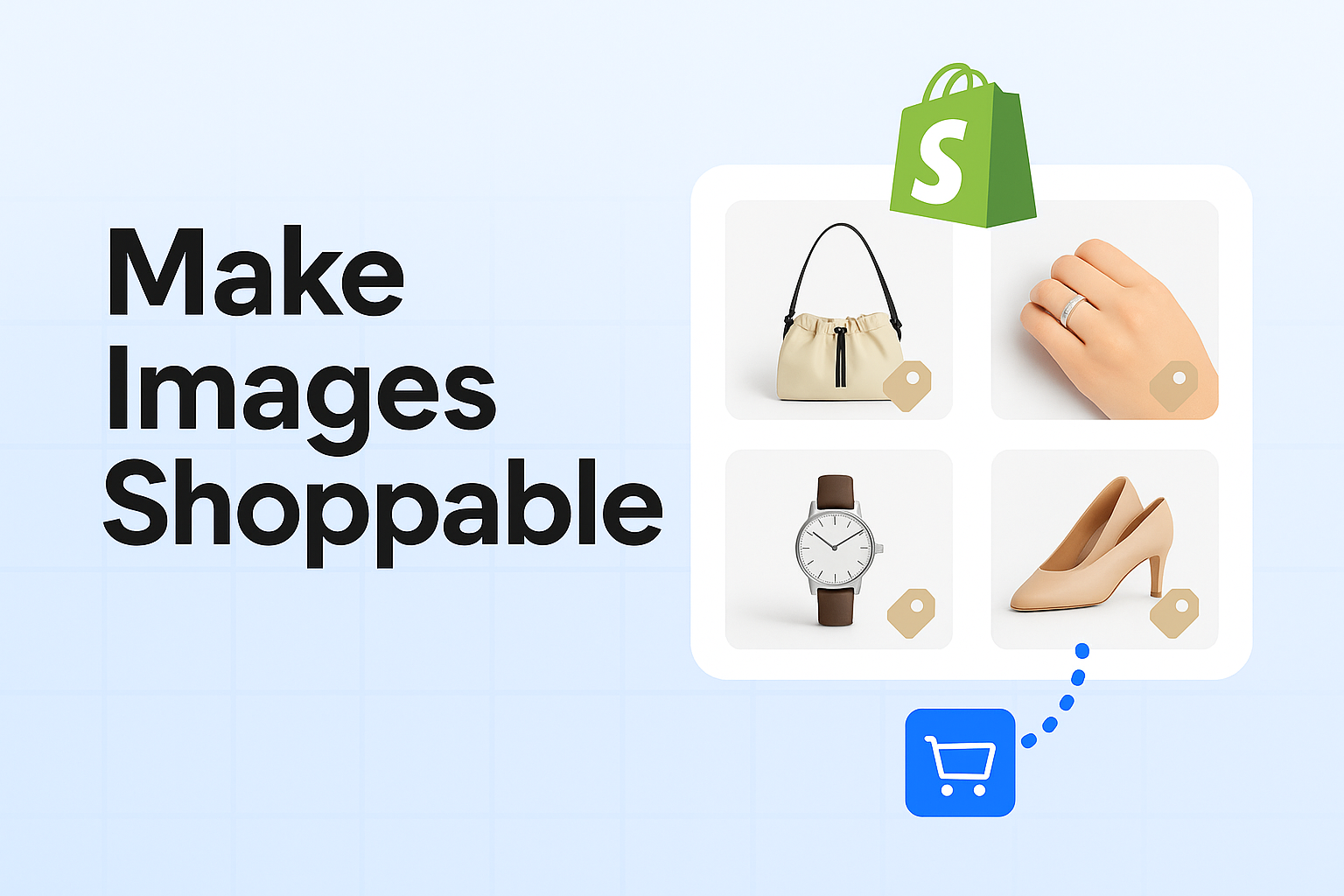
Shoppable images are interactive photos that allow customers to click on specific products within the image and make a purchase directly. By integrating clickable tags or hotspots, these images transform a passive browsing experience into an active shopping journey, effectively turning your visual content into a direct sales channel.
Benefits of Using Shoppable Images
-
Enhanced User Experience: Shoppable images provide a seamless shopping experience by reducing the steps needed to purchase a product.
-
Increased Engagement: Interactive images captivate visitors, encouraging them to explore more products.
-
Higher Conversion Rates: By minimizing friction in the purchase process, shoppable images can lead to higher conversion rates.
-
Improved Mobile Shopping: With a significant chunk of online shopping happening on mobile devices, shoppable images make it easier for mobile users to browse and buy.
How to Create Shoppable Images on Shopify
Creating shoppable images on Shopify is a straightforward process that can significantly enhance your online store's functionality. Here's how you can get started:
1. Choose the Right Tools
To create shoppable images, you need a tool that integrates seamlessly with Shopify. Many apps and platforms offer this functionality, such as ImageFlow—a powerful tool designed specifically for Shopify merchants. ImageFlow allows you to easily tag products in your images and link them directly to your product pages.
2. Upload High-Quality Images
Ensure that your images are of high quality, as this will impact the overall shopping experience. High-resolution images not only look more professional but also allow for more precise tagging.
3. Tag Your Products
Once you have your tool set up, start tagging your products within the images. Here’s a step-by-step guide to tagging:
- Select the Product: Choose the product you want to tag in the image.
- Add Tags or Hotspots: Use the tool to add clickable tags on specific parts of the image where the product appears.
- Link to Product Pages: Connect these tags to the corresponding product pages on your Shopify store.
4. Optimize for SEO
While the primary focus of shoppable images is interactivity, don't forget SEO. Use descriptive alt texts for your images to ensure they are indexed properly by search engines. This will enhance your store's visibility and potentially increase traffic.
5. Test and Refine
Before launching, test your shoppable images to ensure all links work correctly and the user experience is smooth. Gather feedback from friends or colleagues to identify any areas for improvement.
Best Practices for Shoppable Images
- Keep It Simple: Avoid clutter by only tagging essential products in an image. Too many tags can overwhelm the viewer.
- Use Clear Call-to-Actions: Ensure your tags are accompanied by clear call-to-actions such as “Shop Now” or “Buy Here.”
- Mobile Optimization: Test your shoppable images on mobile devices to ensure they function correctly and provide a good user experience.
Examples of Shoppable Images in Action
Consider a fashion retailer showcasing a lookbook with shoppable images. Each outfit in the photo could have tags for the shirt, pants, shoes, and accessories, each linking directly to their respective product pages. This not only simplifies the shopping process but also encourages customers to buy complete outfits rather than individual items.
Implementing Shoppable Images: A Strategic Move
The integration of shoppable images into your Shopify store is more than a trend; it's a strategic move to enhance your e-commerce capabilities. With tools like ImageFlow, you can create an immersive shopping experience that not only delights customers but also drives sales.
Conclusion
By turning product photos into direct sales channels, shoppable images offer a unique opportunity to enhance user engagement and boost conversions on Shopify. Start leveraging this powerful tool today and transform your static images into dynamic shopping platforms.
Ready to elevate your online store with shoppable images? Try ImageFlow and see the difference it can make for your business. Embrace the future of e-commerce and watch your sales soar.