Creating Compelling Product Image Galleries: Strategies to Captivate and Convert Shopify Shoppers

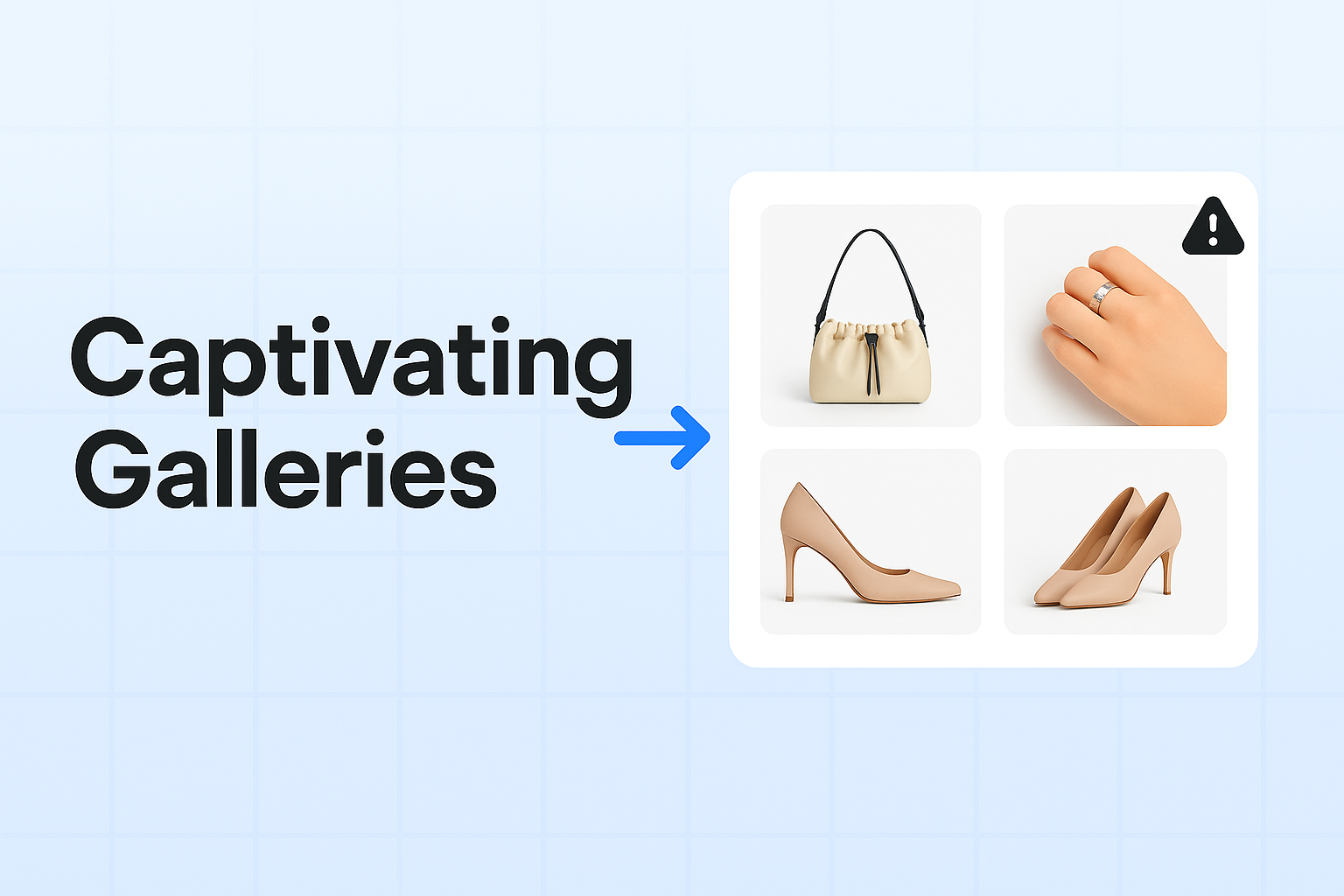
In the world of e-commerce, a picture is worth a thousand words—and potentially thousands in sales. For Shopify merchants, creating compelling product image galleries isn't just a nice-to-have; it's a necessity. Let’s delve into strategies that can help you captivate and convert your Shopify shoppers with stunning visuals.
Why Product Image Galleries Matter
First impressions are crucial in e-commerce. When customers land on your product page, images are often the first thing they notice. High-quality, well-thought-out image galleries can:
- Enhance the shopping experience: Allowing customers to see products from various angles and in different settings can help them make informed decisions.
- Build trust: Clear, professional images convey quality and professionalism, reinforcing your brand's credibility.
- Boost conversions: Engaging visuals can significantly increase the likelihood of a purchase by helping customers visualize the product in their lives.
Key Strategies for Creating Engaging Product Image Galleries
Focus on Quality Over Quantity
While it might be tempting to upload as many images as possible, prioritize quality. Each image should be high-resolution and well-lit. Use professional photography when possible, or invest in a good camera and lighting setup. Avoid blurry or pixelated images at all costs, as they can turn potential customers away.
Tell a Story with Your Images
Your product images should tell a compelling story that resonates with your target audience. Consider these approaches:
- Lifestyle Shots: Show your product in use, helping customers envision how it fits into their lives. For example, if you're selling cookware, include images of a beautifully set dining table with your cookware in use.
- Before and After: If applicable, showcase transformation with before-and-after images to demonstrate the effectiveness of your product.
- Contextual Imagery: Place your product in different environments that highlight its features and benefits.
Use Multiple Angles and Zoom Features
Offer a comprehensive view of your product by including images from multiple angles—front, back, sides, and any significant details. Integrate a zoom feature that allows customers to see intricate details, textures, and craftsmanship. This can be a game-changer for products where quality and detail are essential selling points.
Optimize for Speed and SEO
Fast-loading images are crucial for maintaining a smooth user experience. Compress your images to reduce their file size without sacrificing quality. Use descriptive file names and alt text to improve your Shopify store's SEO, helping your products appear in relevant search results and image searches.
Maintain Consistency Across Your Store
Consistency is key to a cohesive brand image. Use a similar style, lighting, and backdrop for all your product images. This not only looks professional but also helps build a recognizable brand aesthetic that customers will remember.
Leverage User-Generated Content
Encourage your customers to share images of themselves using your products. User-generated content (UGC) can be a powerful trust signal and offer a real-world perspective on your products. Create a dedicated section in your image gallery for customer photos, and make it easy for customers to upload their images.
Incorporate Videos for Dynamic Storytelling
Videos can showcase your product in action and explain features more effectively than static images alone. Consider adding short videos that highlight key features, demonstrate how to use the product, or share customer testimonials.
Practical Tips for Implementing These Strategies
-
Invest in Tools: Use tools like Adobe Lightroom or Canva for editing and enhancing your images. These tools can help you maintain consistency and quality across your galleries.
-
Test and Iterate: Regularly analyze which images perform best in terms of engagement and conversions. Use A/B testing to determine which styles resonate most with your audience.
-
Stay Updated: Keep an eye on competitors and industry trends to ensure your image strategies remain fresh and competitive.
Conclusion
Creating compelling product image galleries requires a strategic approach that combines quality, storytelling, and technical optimization. By implementing these strategies, you can enhance the shopping experience on your Shopify store, build trust with your audience, and ultimately, increase conversions.
Ready to transform your product image galleries into conversion powerhouses? Start by optimizing your images with ImageFlow, the ultimate solution for Shopify merchants looking to captivate their audience with stunning visuals.
Implement these strategies today, and watch your Shopify store's engagement and sales soar!